
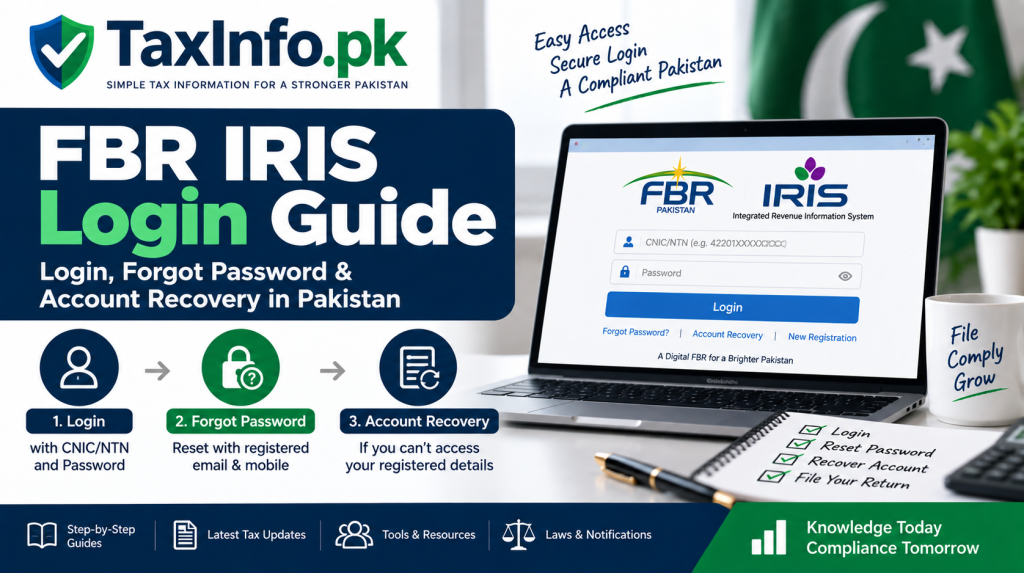
FBR IRIS Login Guide – Forgot Password & Account Recovery in Pakistan
FBR IRIS is the online tax portal used by taxpayers in Pakistan to access important income tax services, including filing income tax returns.
To log in, a registered taxpayer generally needs their CNIC/NTN or Registration Number and IRIS password. FBR confirms that e-enrollment provides taxpayers with their registration credentials for accessing IRIS.
But what happens if you forget your password, lose access to your registered mobile number or cannot access the email address linked with your account?
IRIS 2.0 now provides separate Forgot Password and Account Recovery options for these situations. This guide explains which option to use and how to regain access to your FBR account.
What Is FBR IRIS?
IRIS is FBR’s online income tax system. FBR states that taxpayers use IRIS to file their online income tax returns, while first-time filers need to complete registration before filing.
The current IRIS portal also provides access to services such as taxpayer verification, ATL information, e-payments, CPR/PSID verification and various tax-related help resources.
You can access it through the official:
What Do You Need to Log In to IRIS?
The current IRIS login screen asks for:
- CNIC/NTN
- Password
For an individual registered with FBR, the 13-digit CNIC serves as the NTN or Registration Number. For an AOP or company, FBR states that the registration number is the 7-digit NTN received after e-enrollment.
| Taxpayer | IRIS Registration/Login Number |
|---|---|
| Individual | 13-digit CNIC |
| AOP | 7-digit NTN |
| Company | 7-digit NTN |
Your password is the credential associated with your IRIS account.
How to Log In to FBR IRIS
Step 1: Open the Official IRIS Portal
Go directly to the official FBR IRIS website rather than using an unknown link received through email, WhatsApp or social media.
The current login page contains fields for CNIC/NTN and Password, together with Forgot Password / Account Recovery options.
Step 2: Enter Your CNIC or NTN
If you are an individual, enter your CNIC/Registration Number as required by the portal.
Companies and AOPs should use their applicable NTN/Registration Number.
Step 3: Enter Your Password
Enter your IRIS password carefully and select Login.
Once successfully logged in, you can access the tax functions available for your account.
If your objective is to submit your annual return, our detailed guide explains how to file an income tax return online in Pakistan.
Forgot Your FBR IRIS Password?
Forgetting the password does not normally require creating a new FBR registration.
The current IRIS portal provides a Forgot Password facility.
FBR says that when resetting a password, verification codes are sent to the taxpayer’s registered email address and mobile number. After the required codes are entered, IRIS provides the option to set a new password.
How to Reset Your IRIS Password
Step 1: Select Forgot Password
Open the IRIS login page and select:
Forgot Password
Step 2: Provide the Required Information
Enter the information requested by IRIS.
Make sure the information corresponds with your FBR registration details.
Step 3: Receive Verification Codes
FBR states that codes are sent to the registered:
Email address
and
Mobile number
These are used to verify that the person requesting the reset has access to the registered contact details.
Step 4: Enter the Verification Codes
Enter the codes received through the required channels into the corresponding fields in IRIS.
Step 5: Create a New Password
After successful verification, IRIS provides the option to reset your password.
Choose a strong password and store it securely.
You should now be able to return to the login screen and access IRIS using your new password.
Forgot Password vs Account Recovery – What’s the Difference?
This is one of the most important distinctions for taxpayers having trouble accessing IRIS.
The current IRIS 2.0 Account Recovery page separates the two processes.
| Situation | Option to Consider |
|---|---|
| You know your CNIC/NTN and can access your registered email and mobile | Forgot Password |
| Your problem involves losing access to registered contact details and you need to recover/update the registered mobile for account access | Account Recovery |
| You are not registered with FBR | New Registration |
| You are already registered but never obtained/need login credentials | E-Enrollment for Registered Person, where applicable |
Do not create a duplicate registration simply because you cannot remember your password.
What If You Don’t Have Access to Your Registered Mobile Number or Email?
This is where the current Account Recovery option becomes important.
IRIS 2.0 describes Account Recovery as the route for taxpayers who do not have the required access to the mobile number/email registered with FBR and need to recover the account by updating the mobile number registered against their CNIC.
You can access the official recovery page here:
The portal first asks you to choose between Forgot Password and Account Recovery according to your situation.
Follow the identity-verification instructions displayed by IRIS rather than attempting to bypass the registered contact information.
What If You Already Have an NTN but No IRIS Login Credentials?
This is different from forgetting an existing password.
FBR states that people who have already obtained an NTN or Registration Number but do not have credentials to log into IRIS can obtain access through E-Enrollment for Registered Person.
FBR’s registration guidance indicates that the e-enrollment verification process uses codes sent to the provided email and cell number before credentials are issued.
Therefore, first determine whether you are:
already registered but missing credentials, or simply an existing IRIS user who has forgotten the password.
The correct process is different.
What If You Have Never Registered with FBR?
If you are genuinely a new taxpayer and have never registered with FBR, use New Registration, not Forgot Password.
The current IRIS 2.0 registration flow includes stages for:
Basic Information → Address → Contact Information → Password → Confirmation.
For the complete process, see our NTN registration online in Pakistan guide.
How to Change Your IRIS Password After Login
You do not have to forget your password to change it.
FBR states that a logged-in taxpayer can use the Change Password option located at the top-right of IRIS and provide the required information in the dialog box.
This can be useful if you believe your existing password is weak or may have been exposed.
IRIS Login Is Not Working – What Should You Check?
A login problem does not always mean your account needs recovery.
First check some basic issues:
Check Your CNIC/NTN
Make sure you are entering the correct registration number for the taxpayer whose account you want to access.
Check the Password Carefully
Passwords are sensitive to exact characters. Avoid accidentally adding spaces when copying a password.
Try the Official Portal Directly
Use the official IRIS domain rather than an old bookmark or third-party website.
Clear Browser Cookies if IRIS Links Behave Incorrectly
FBR’s published IRIS FAQs suggest clearing browser cookies if hyperlinks do not work after login. The same FAQ notes that an inactive session may automatically close after 15 minutes as a security measure.
Use Password Reset Only When Appropriate
If the password is genuinely forgotten and you have access to the registered contact channels, use Forgot Password.
If the problem is access to registered contact information, review the Account Recovery route instead.
How to Contact FBR for IRIS Help
If the available online recovery options do not resolve your problem, use official FBR support channels.
The current IRIS portal lists the FBR helpline as:
National: 051-111-772-772
International: +92-51-111-772-772
Email: helpline@fbr.gov.pk
The portal currently displays helpline hours of 8:00 AM to 11:30 PM, Monday to Friday, with a separate female-exclusive line schedule also displayed on the portal.
Because helpline details can change, check the current IRIS portal before contacting FBR.
Important Security Tips for Your IRIS Account
Your IRIS account contains sensitive tax and financial information.
Protect it carefully.
Never share your:
- IRIS password
- OTP or verification code
- Email verification code
- Account recovery credentials
with an unknown person.
If a tax consultant prepares your return, understand what access you are providing and avoid sending credentials through public groups or insecure channels.
Always verify that you are using an official fbr.gov.pk or iris.fbr.gov.pk service before entering sensitive credentials.
Frequently Asked Questions
What is my FBR IRIS username?
For an individual, FBR states that the 13-digit CNIC is used as the NTN/Registration Number. AOPs and companies use their applicable 7-digit NTN.
How can I reset my FBR IRIS password?
Select Forgot Password on the IRIS login screen, provide the requested information and complete verification using the codes sent to your registered contact channels. You can then set a new password.
What if I no longer have my registered mobile number?
Use the current IRIS Account Recovery facility where applicable. The recovery page specifically provides an account-recovery route involving updating the mobile number registered against the taxpayer’s CNIC.
Should I register again if I forgot my password?
No. Forgotten-password recovery and new taxpayer registration are separate processes. If you already have an IRIS account, first use the appropriate password/account-recovery facility.
I already have an NTN but no IRIS credentials. What should I do?
FBR says taxpayers who already have an NTN/Registration Number but do not have IRIS credentials can use E-Enrollment for Registered Person to obtain access.
Can I change my IRIS password while logged in?
Yes. FBR provides a Change Password option within IRIS for logged-in users.
Can I use IRIS to file my income tax return?
Yes. FBR identifies IRIS as the online portal through which online income tax returns are filed.
Final Words
Most FBR IRIS access problems become easier to solve once you identify the correct situation.
If you still have access to your registered mobile number and email but have forgotten your password, use Forgot Password.
If access to your registered contact information is the problem, use the appropriate Account Recovery facility available in IRIS 2.0.
If you already have an NTN but never obtained the credentials required to access IRIS, check the E-Enrollment for Registered Person route instead.
And if you have never registered with FBR at all, start with New Registration.
Using the correct process helps avoid duplicate registrations and unnecessary account-access problems.
Official FBR Sources
IRIS Forgot Password / Account Recovery
Disclaimer
This article is provided for general educational and informational purposes only. FBR may change IRIS screens, verification requirements, account-recovery procedures or contact information over time. Always follow the instructions displayed on the official FBR/IRIS portal and contact FBR directly if account recovery cannot be completed through the available online options.
